
BoltAssist Pay
Keep more of every sale.
Accept payments directly from your phone. No separate card terminal. No percentage-based Interac fees. Every sale connects to the appointments and customers you already manage in BoltAssist.
- Interac debit
- Credit cards
- Phone wallets
Just tap. Get paid.
 (opens in a new tab)
Available on Google Play for eligible Canadian businesses.
Available on Android. Coming soon to iOS.
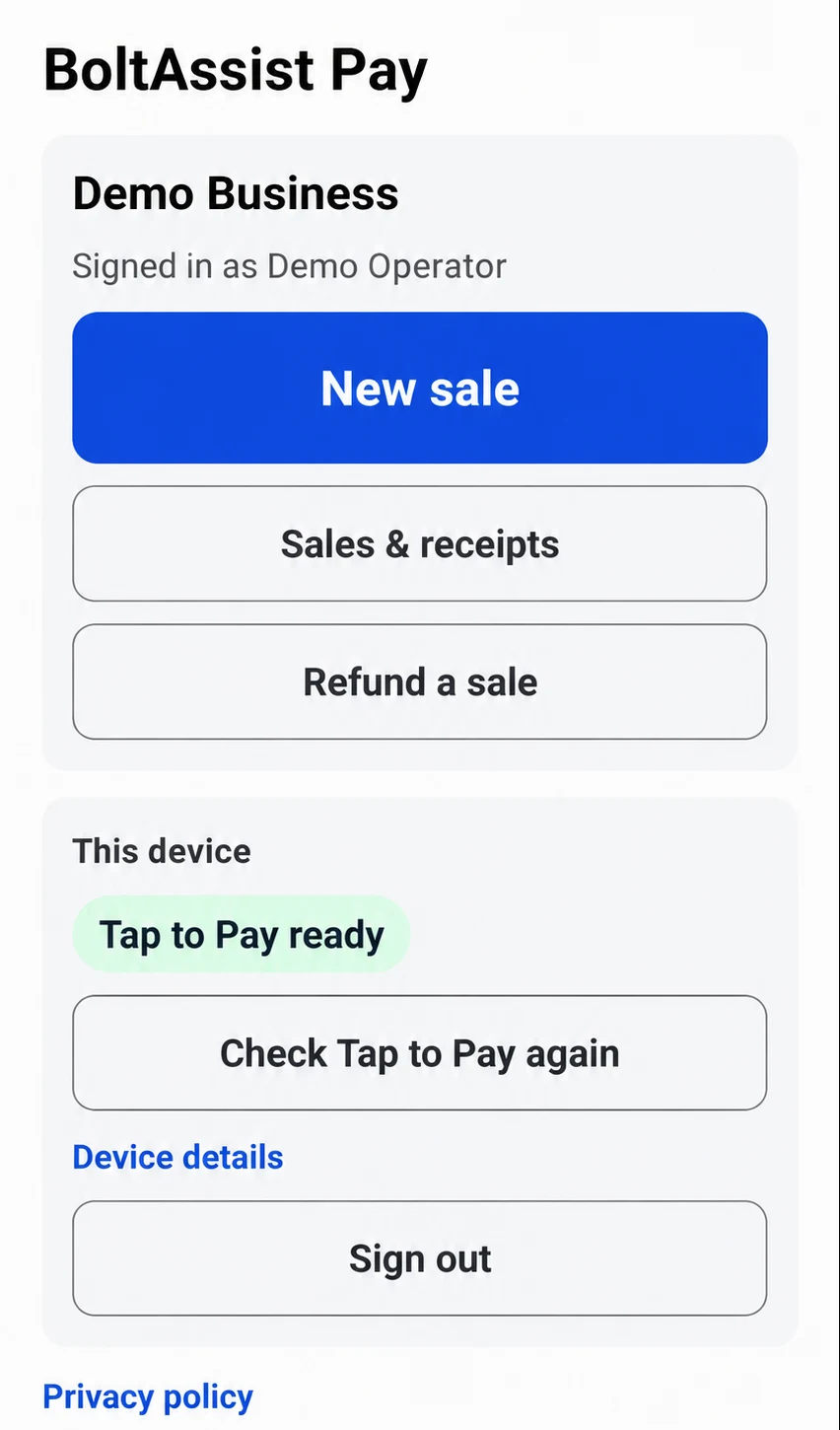
Everything you need at the chair, the counter or the job site
Tap to Pay
The customer taps a card or phone on your phone. There’s no extra hardware to buy.
Cards and Interac debit
Accept credit and debit cards, Interac debit and phone wallets.
Tips and split payments
Let customers add a tip where applicable, or split a sale between people, cards and cash.
Receipts and cash
Email receipts, record cash with change and find recent sales in seconds.
Refunds
Refund from the app, including Interac debit with the customer’s card present.
Connected insights
Payment activity flows into your business dashboard and financial analytics.
Activate in three steps
Request it
With an active plan, the owner requests BoltAssist Pay from the Payments area of the business dashboard.
Get verified
BoltAssist reviews the request, then you verify your business and bank account.
Take a payment
Install the app, sign in, choose your location and start a sale.
Before you start
Who it’s for
- BoltAssist Pay works with BoltAssist AI: an active BoltAssist AI plan is required.
- It is for eligible businesses in Canada.
- Each business is approved by BoltAssist, then verifies its business and bank account before accepting payments.
What you need
- A compatible Android phone with NFC, running Android 13 or later.
- Each phone is set up as a personal device for the owner or admin who signs in.
- A phone can’t read an inserted card. Cards that require one, including some Interac debit payments over C$100, need another way to pay.
Fees and plans
- Interac Tap to Pay: 30¢ flat per payment. No percentage-based Interac fees.
- Domestic credit cards with Tap to Pay: 2.7% + C$0.20 per payment.
- Transaction fees are separate from your BoltAssist AI plan.
Security
- Secure payment acceptance through PCI-compliant payment processing infrastructure. Full payment card numbers and security codes are never stored by BoltAssist.
How to start
Already a BoltAssist AI customer? Request BoltAssist Pay from the Payments area of your business dashboard. Once BoltAssist approves your business and verification is complete, install the app from Google Play and sign in.
New to BoltAssist AI? BoltAssist Pay works with every BoltAssist AI plan. Start with your free trial; Pay can be requested once your plan is active. See plans and pricing
Google Play and the Google Play logo are trademarks of Google LLC.